More Features
Everything you would expect from a modern solution
Give your clients access to realtime information about the status of their projects and more.
Give your clients access to realtime information about the status of their projects and more.
.avif)
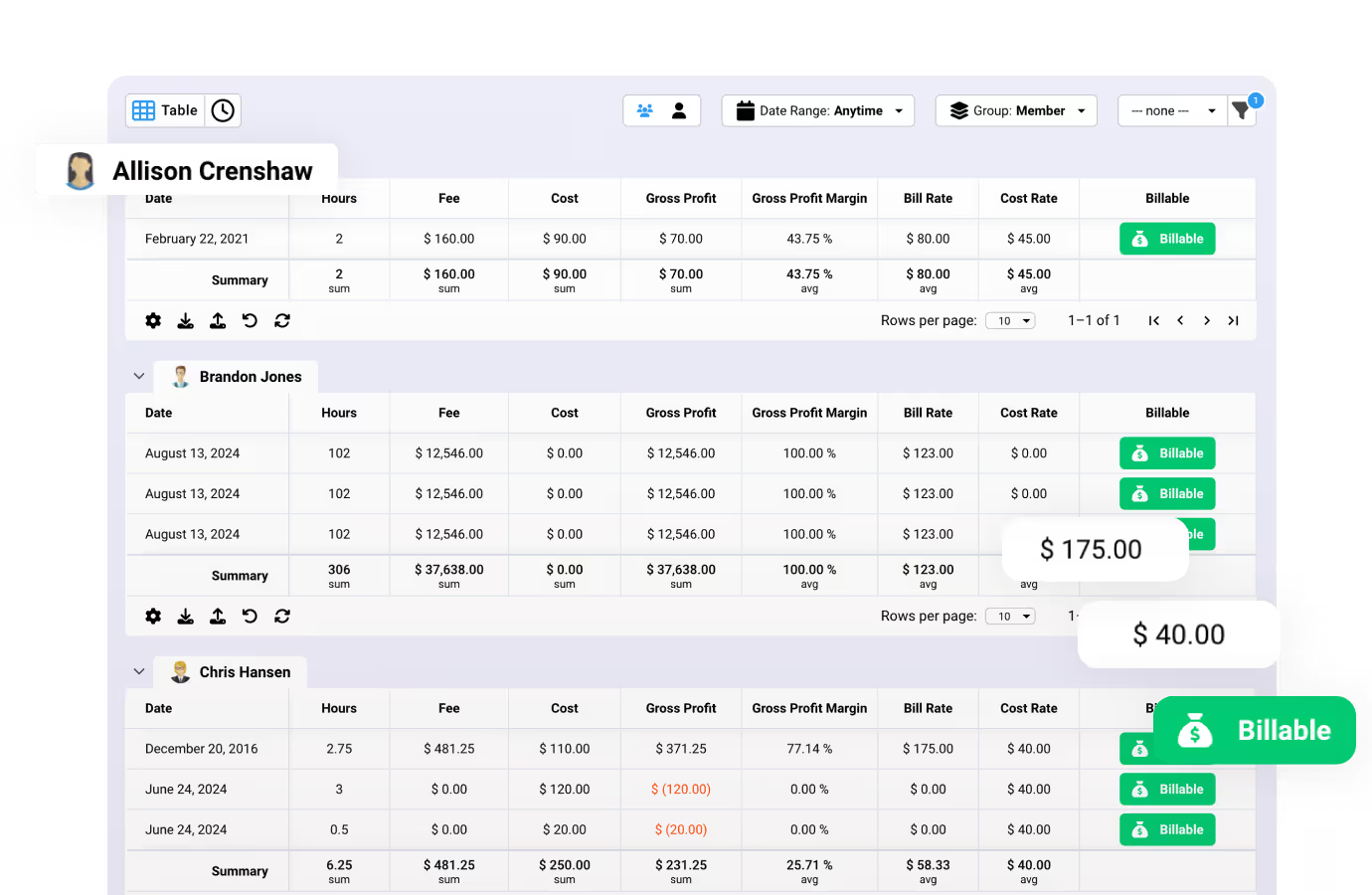


Give your clients access to realtime information about the status of their projects and more.
Give clients access to their projects where they can see updates in realtime.
Easily get approvals from clients on important files, such as mockups, copy, and more.
Give clients the ability to submit project requests, that can then be approved by managers.
Engage in realtime conversations with clients on easy-to-use comment feeds.
Make it clear what clients are expected to do by assigning them tasks in Ravetree.
Clients can receive important notifications that ensure nothing falls through the cracks.
Flexible payment options. Non-profit or education? Contact us
Clients can see shared projects and assigned tasks. They can also see files they've been asked to approve, and submitted requests.
No, client access is completely free, and you can add an unlimited number of clients to the client portal.
Yes, clients can review and approve important files like mockups and copy directly within the client portal. They can also view and add comments to those files (if they have been granted permission).
Yes, clients can submit project and task requests that managers can review and approve.
Yes, you can assign tasks to clients to make it clear what they are expected to do.
Yes, clients can engage in real-time conversations on comment feeds for projects and tasks. There is, however, an option to remove this capability via client portal permission settings. Individual comments submitted by internal users can be flagged as visible to clients. In this way, internal users can still have private conversations against client visible projects and tasks.
We take a customer-first approach. Our #1 priority is ensuring that you are successful on Ravetree!
Our world class support team is ready to help.
Get live video conference support when you need it!
Quickly get your questions answered with our in-app, live chat support feature.
Custom tailored onboarding session is included for free!