More Features
Everything you would expect in a modern time tracking solution
Best-in-class time tracking that is easy to use and includes robust reporting.
Easy-to-use time tracking features that connect directly to your projects and billing.
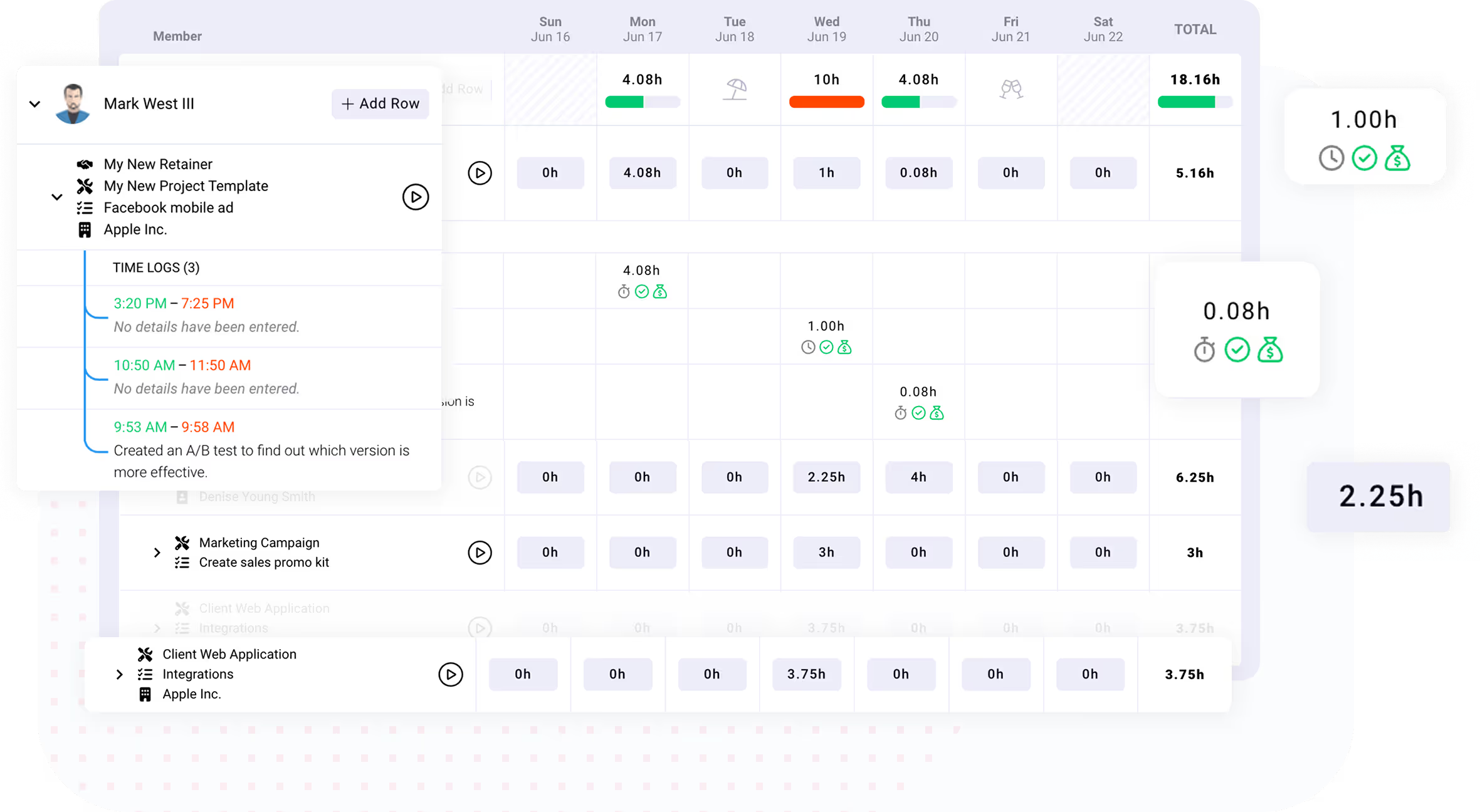
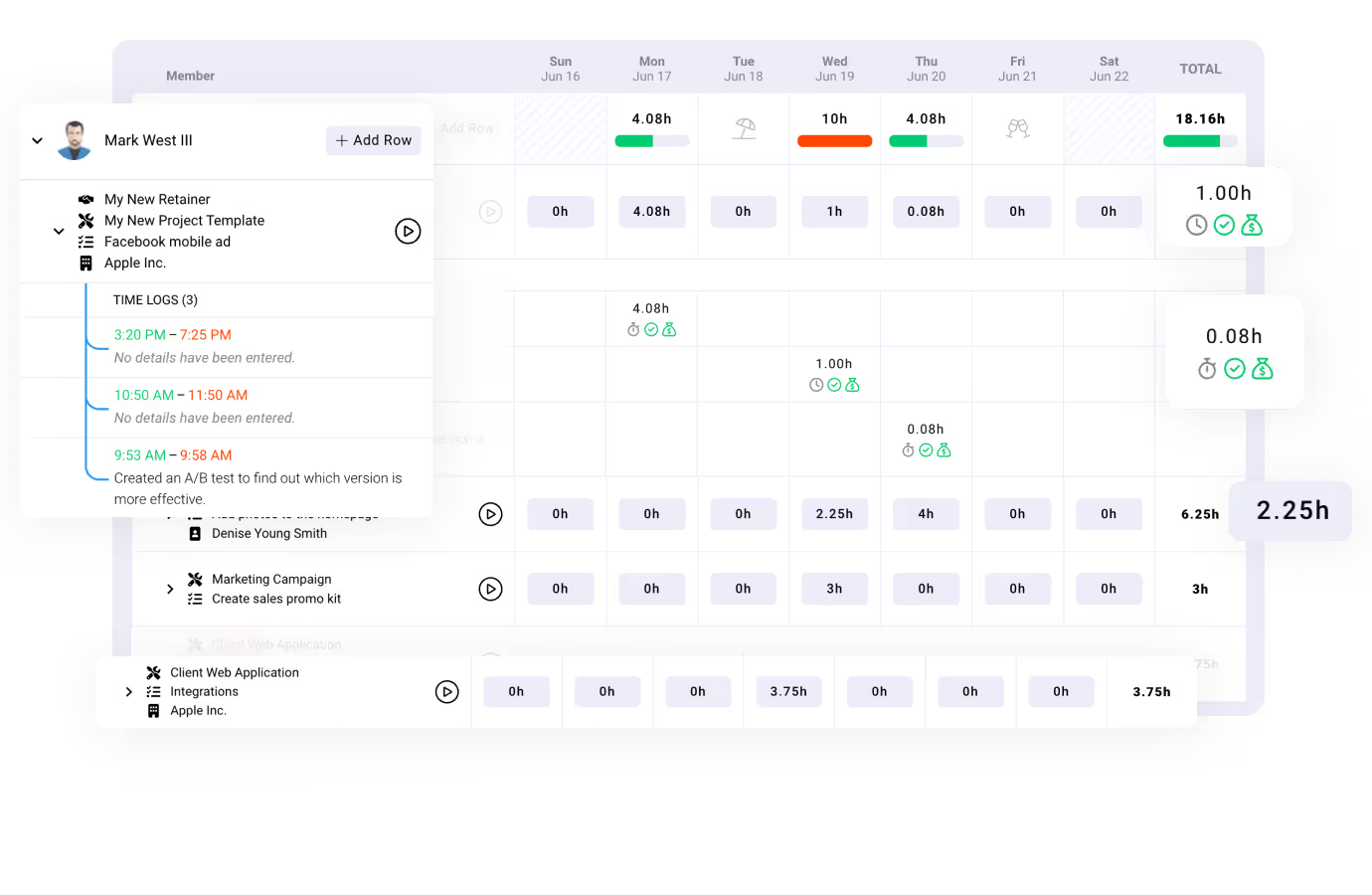
Best-in-class time tracking that is easy to use and includes robust reporting.
Easily create time logs with one click and associate them with projects, tasks, clients, and more. Also, limit who can create time logs, and to which tasks.
Create a list of timers that can be restarted as often as needed until your work is completed. You can also edit running timers to correct mistakes without missing a beat.
See all of your time entered for the week and how it compares to time estimates. Easily see everyones time on the company timesheet.
Choose between auto-approval or manager required approval for all time log entries.
Get notified whenever you have logged more time than what you had originally estimated.
Run custom reports for time logs that can be saved and exported.
Flexible payment options. Non-profit or education? Contact us
Yes, billable time connects directly to your projects and billing, giving you real-time visibility into project profitability.
Yes, administrators can configure settings to prevent users from logging time to completed tasks and projects to ensure accuracy.
Yes, you can create client-specific rate cards with customizable start and expiration dates. Rate cards allow you to either set a fixed client rate, or override standard work role bill rates.
Yes, users can receive notifications whenever they have logged more time than what was originally estimated for a task.
Yes, users can edit running timers by updating the start time of the timer.
Yes, you can designate managers who are required to approve time logs for specific people. Only approved time can be invoiced. Alternatively, you can turn off time log approvals so that all time logs are automatically approved.
Yes, Ravetree allows you to keep track of billable fees and costs for logged time, enabling detailed financial reporting.
Yes, you can easily create and generate invoices directly from approved time logs. Each individual time log can appear as a line item on the invoice. Or, you can consolidate all time logs into a single line item, group the time logs, or aggregate the time logs. Grouping and aggregating can be done by Date, Member, Service Item, Work Item, or Work Role.
We take a customer-first approach. Our #1 priority is ensuring that you are successful on Ravetree!
Our world class support team is ready to help.
Get live video conference support when you need it!
Quickly get your questions answered with our in-app, live chat support feature.
Custom tailored onboarding session is included for free!